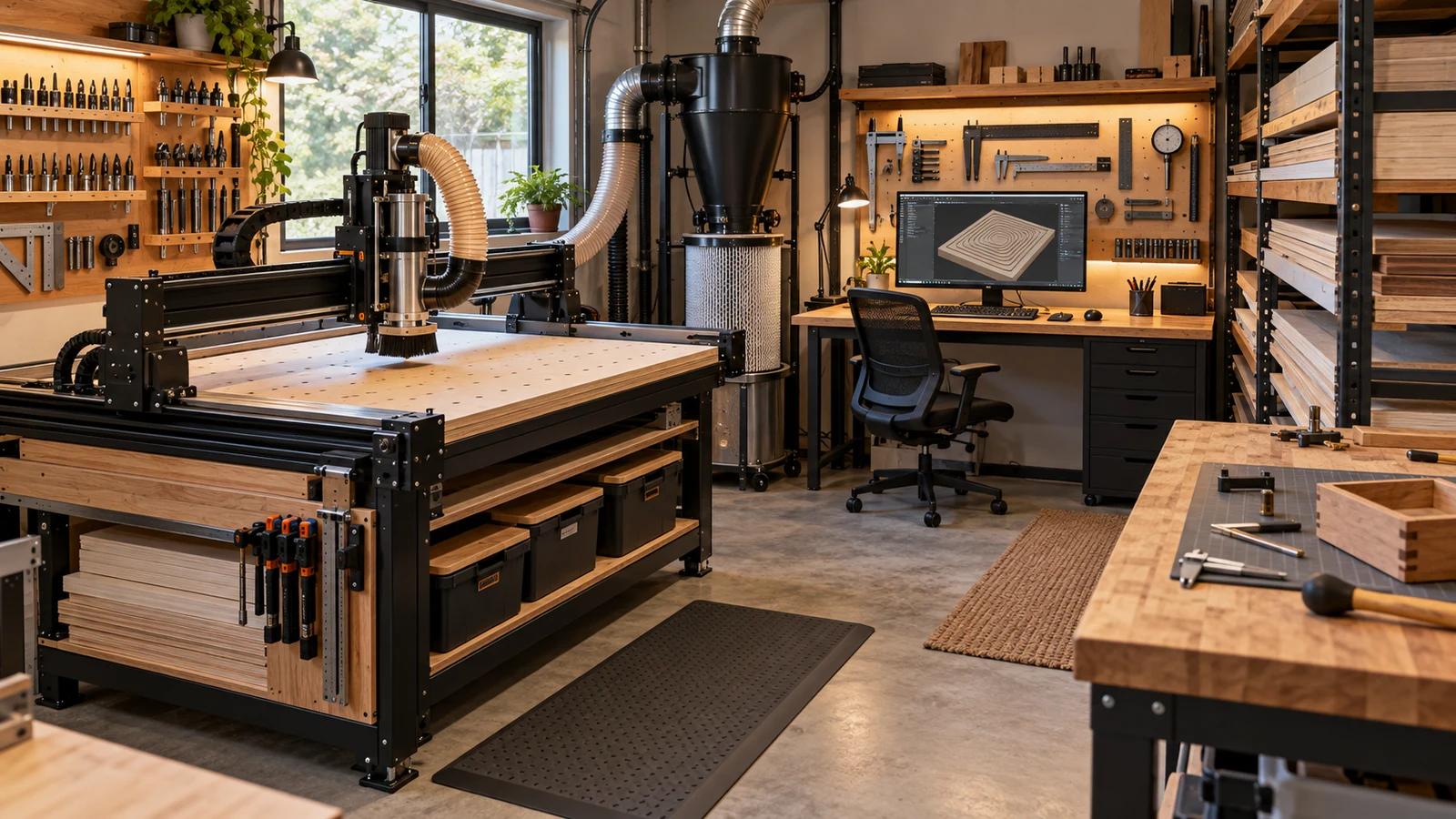
Choose a CNC router if you want to cut thick wood, plastic or soft metal, carve depth or 3D shapes, or make parts that need edges and pockets. Choose a laser engraver if you want fine surface marking, thin sheet cutting and detailed artwork, and you can handle fume extraction. If most of your work is flat signs and gifts, a laser may fit. If you build furniture, fixtures or parts, a router likely does.
How each machine works
A CNC router spins a bit and removes material mechanically. It leaves chips and dust, so dust collection and hearing protection matter. A laser engraver uses focused light to burn, vaporize or mark material. It leaves smoke and fumes, so extraction and eye protection matter. Our pages on CNC routers and laser cutters give the broader picture, and our first accessories guide lists what a router owner buys next.
Materials and thickness
Routers handle thick stock, hardwood, plywood, many plastics, foam and, with the right setup and bits, soft metals. A laser handles thin sheet and surface marking well. What a laser can cut depends on its type and power, and the maker's materials list is the authority. Some materials, such as certain plastics and vinyls, can release hazardous fumes when lasered; laser makers publish lists of materials to avoid, and the material's safety data sheet is the next stop. Do not assume a material is safe because it looks like wood or acrylic.
| Question | CNC router | Laser engraver |
|---|---|---|
| Thick wood or boards | Strong fit | Depends on type and power; check the maker's limits |
| Fine surface detail and photos | Possible with fine bits, slower | Strong fit |
| Pockets, joinery, 3D carving | Strong fit | Limited to the surface or thin layers |
| Metal | Soft metals with the right setup | Marking, with the right laser type |
| Waste | Chips and dust | Smoke and fumes |
Dust vs fumes
Router dust is a respiratory and fire concern: OSHA says breathing wood dust may cause respiratory symptoms and cancer, and combustible dust can burn or explode when suspended. See our respirator guide and vac and extractor comparison for that side. Laser fumes need to be vented outside or filtered by a system the maker specifies, which brings ducting, filters and smell into the shop. Neither is a clean machine, so plan the extraction before you buy. Ask where the fumes or dust will go, how the filters are replaced and what they cost to replace, and who sells them. Those answers matter as much as the machine's price. An enclosure and a dust shoe help contain router dust, but neither removes the need to plan for it.
Accuracy and finish work differently on each. A router's accuracy depends on the rigidity of the frame, the quality of the bit and the workholding. A laser's detail depends on focus, the material surface and the settings. A router leaves a cut edge you may sand; a laser can leave charring or discoloration on some materials. Neither is automatically more precise, so compare sample cuts on the material you care about in the maker's gallery or from owners rather than assuming.
Noise, space and mess
- Noise. A router is loud while cutting, especially with a vacuum running. A laser is generally quieter, but its fans and air assist make noise.
- Footprint. Both come in desktop sizes, but you need room for a vacuum, a dust bin, a vent hose or a filter unit. Check the manual for the machine and the accessories.
- Cleanup. A router makes chips; a laser leaves residue on parts and optics that must be cleaned.
Safety differences
Routers have a spinning tool, so keep hands, hair and loose clothes away, wear eye and hearing protection and never leave a running machine unattended, as Carbide 3D's safety page lists. Lasers add optical hazards: eye protection must suit the laser's wavelength, enclosures and interlocks should not be bypassed, and fire is a real risk. Follow the maker's manual and keep an extinguisher nearby. Do not buy a laser without reading its safety section first.
Consumables and upkeep
A router uses bits and collets, which wear and break, plus spoilboard material. A laser uses lenses, mirrors, filters and, depending on type, other parts that need cleaning or replacement. Ask any seller for the maker's replacement schedule and part availability.
Whichever machine you pick, plan extraction and eye protection first. Match any laser eyewear to the laser's wavelength and rating in the manual.
Think about your room as well as your projects. A garage with a door to open can handle fumes and dust differently than a spare bedroom. Renters and apartment dwellers should check the lease and neighbors' tolerance for noise and smell before buying either. Insurance and fire safety also vary by home, so ask your insurer and your local fire department what they expect.
Learning curve and software
Both need design software and a toolpath or job file. A router asks you to think about tool geometry, feeds, workholding and zeroing. A laser asks about power, speed, focus and material settings. A router's cutting errors can break bits; a laser's errors can scorch or ignite material. Beginner router software exists, but check that it exports for your control.
Which project types fit which machine
- Signs, plaques, engraved gifts, leather and thin sheet: laser.
- Furniture parts, cabinet parts, box joints, relief carvings: router.
- Acrylic cutouts: check the laser's material list; a router can cut it as well.
- Aluminum parts: router, with a machine rigid enough, or an outside service.
- Mixed work: some makers end up owning both.
A short decision path
- List the five projects you most want to make.
- Check which materials and thicknesses each needs.
- Check your room: can you vent fumes, or collect dust?
- Check noise limits and neighbors.
- Choose the machine that fits most of the list, not the one that looks best in a demo.
Frequently asked questions
Is a CNC router better than a laser engraver?
Neither is better overall. Routers suit thick stock, depth and parts; lasers suit fine surface detail and thin sheet.
Which is safer for a home shop?
Both have real hazards. Routers add a spinning tool and dust, while lasers add optical and fire hazards and fumes. Follow the manual and plan extraction for either.
Do I need ventilation for a laser?
Laser makers generally require fume extraction or venting. Follow the manual for the machine you buy and check the material's safety data sheet.
Can one machine do everything?
Not well. Some makers own both, because the machines cover different materials and project types.
Wood dust and combustible dust statements come from OSHA, and router safety rules from Carbide 3D's machine safety page. Laser safety, fume, eyewear and material-list points are stated generally, so confirm them in the manual for the model you buy. No power, speed or thickness limits are given because they vary by machine.